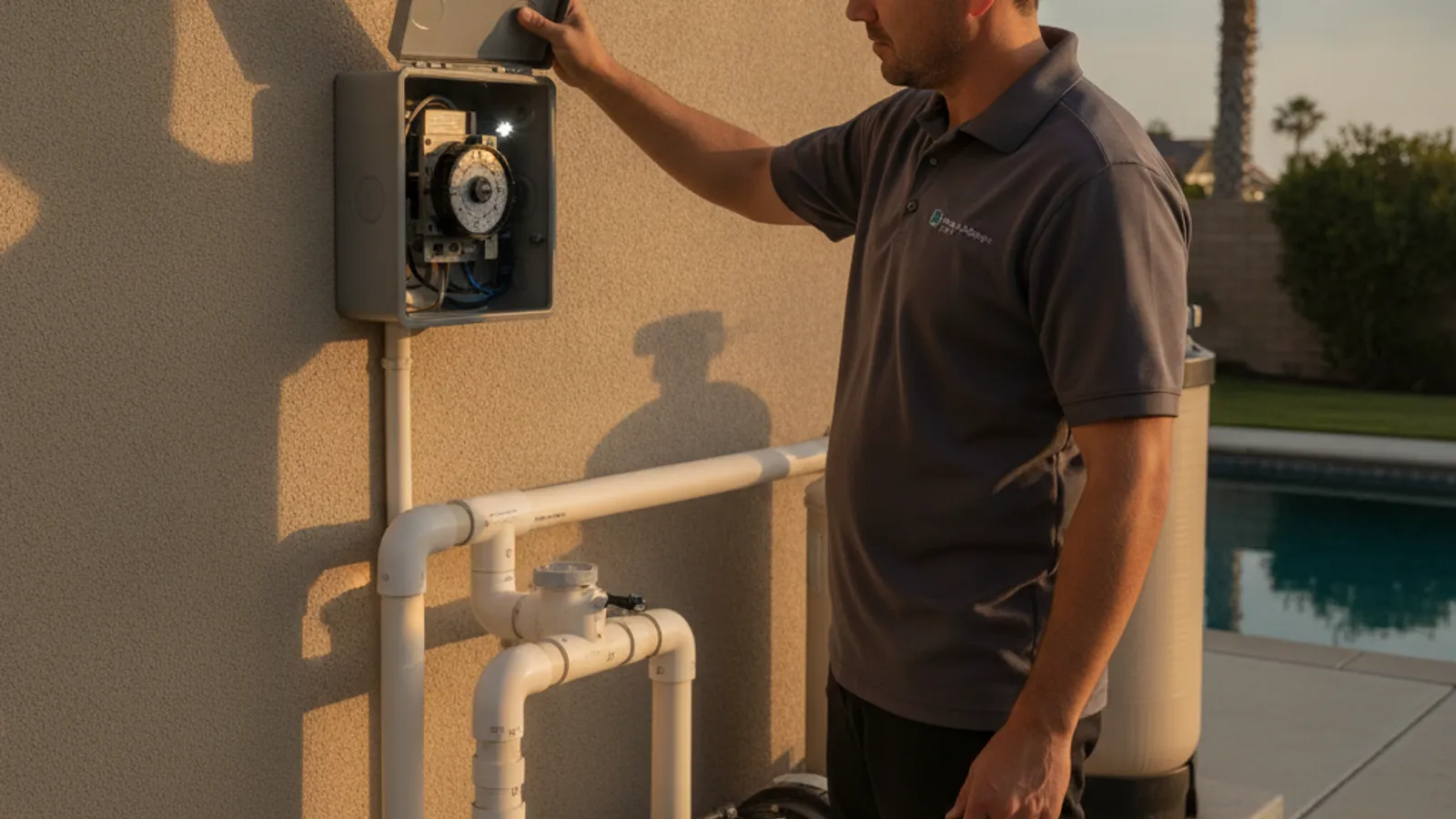
Before you read on: this sits outside what Splash Pro Pools does. We hand it to a vetted local equipment installation and upgrades pro, reachable on (858) 400-6757.
A pool pump that won’t switch on at its scheduled time is almost always one of four things: a tripped breaker or GFCI, a dead clock motor, trippers knocked out of position, or a digital controller that lost its program in an outage. Check the breaker first. It’s the fastest thing to rule out and the most common cause by far.
This guide covers resetting mechanical and digital pool timers, telling a simple trip from a dying motor, what a replacement costs, and when the problem is electrical work for a licensed pro.
Why won’t my pool timer turn the pump on?
Before you touch the timer itself, it helps to know what you’re ruling in or out, in order of how often we see it:
- A tripped breaker or GFCI. Pool circuits are GFCI-protected by code, and a nuisance trip from moisture or a surge is the most common reason a “dead” timer turns out to have no power reaching it.
- A dead clock motor. Mechanical timers use a small synchronous motor to turn the dial. When it fails, the dial stops moving and the trippers never reach the pointer.
- Trippers out of position. The plastic trippers on a mechanical dial get bumped during cleaning or just from years of vibration. Slipped trippers make a working timer look broken.
- A lost program on a digital controller. Digital and smart controllers hold their schedule on a battery backup. A dead backup means an outage wipes the program and the unit falls back to default.
If your pump used to click on and now just hums or won’t spin once power reaches it, that’s a different problem: see our guide to a pool pump humming but not running.
How do I safely check the power before touching anything?
Start at the breaker panel, not the timer box. Pool equipment circuits typically run at 220 to 240 volts, so this is the one step worth being careful about.
- Check the dedicated breaker. Flip it fully off, then fully back on. A partially tripped breaker can look “on” without passing power.
- Check for a GFCI breaker or outlet. Press reset if there’s a visible button. GFCI protection on pool circuits trips easily from humidity or a worn connection, and it’s often the real culprit.
- Confirm power at the enclosure. A non-contact voltage tester held near the incoming wires confirms power without opening anything live.
If the breaker holds and power is confirmed, the problem is inside the timer. If the breaker trips again right away, stop. That points to a wiring fault, and it’s a job for a licensed electrician, not a DIY fix.
How do I reset a mechanical pool timer (Intermatic and similar dials)?
Mechanical timers, the classic dial-and-tripper style, are the most common type on older San Diego pools.
- Turn off the breaker. Always kill power before opening the enclosure.
- Check the dial position. It should show the current time lining up with the fixed pointer. If it’s off by hours, the clock motor has likely stopped.
- Inspect the trippers. Each tripper is a small tab that pushes a lever as the dial turns, one for on and one for off. Make sure both are seated firmly in their slots.
- Manually advance the dial. With power still off, rotate the dial by hand until a tripper passes the pointer. You should feel a distinct click as the switch engages.
- Restore power and observe. Watch a full cycle if you can. If the pump kicks on exactly when a tripper clicks over, the timer mechanism is fine and the issue was the dial position or a slipped tripper.
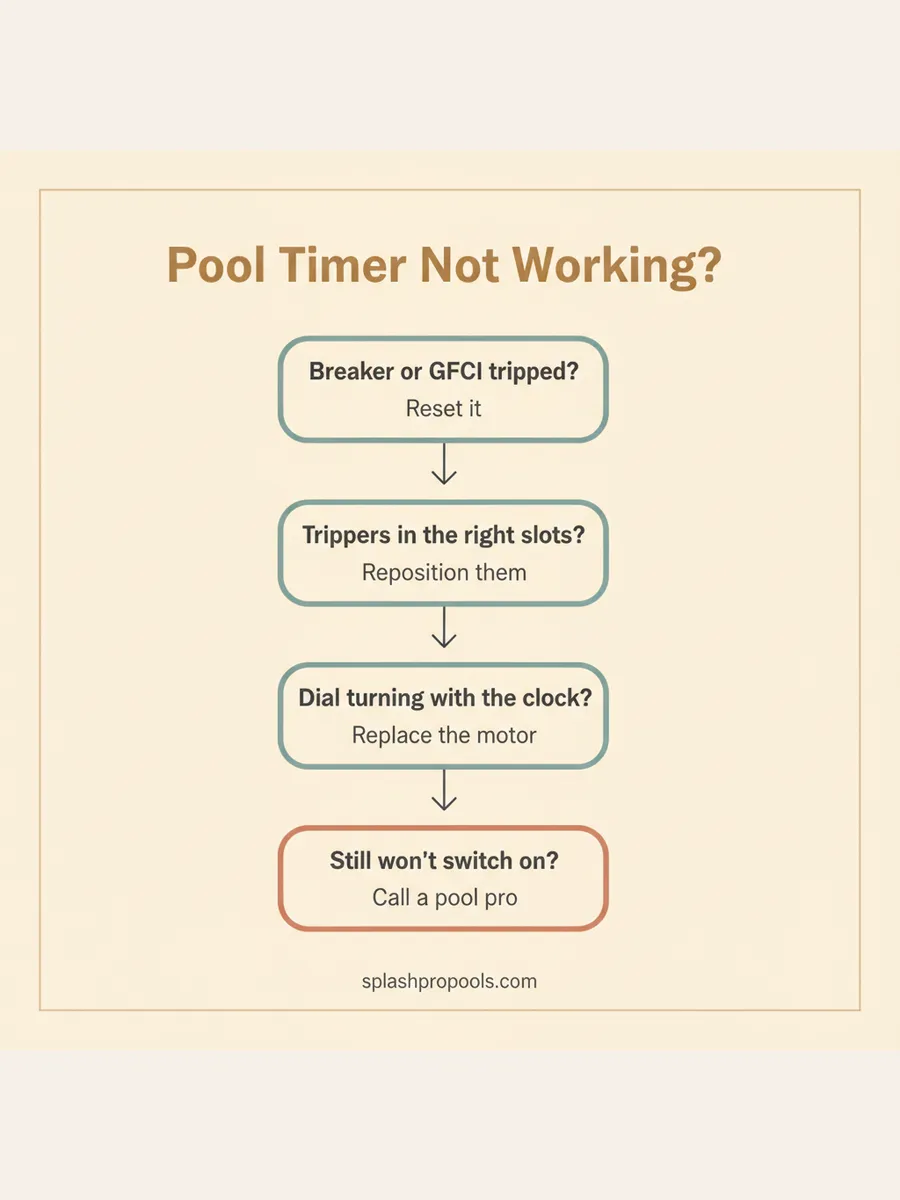
If the dial doesn’t turn on its own once power is restored, even though it clicked correctly by hand, the clock motor has failed. That’s an inexpensive part, but replacing it means opening the housing, and it’s a good moment to have a pro handle it along with the contacts.
How do I reset a digital or smart pool controller?
Digital timers and smart controllers hold a schedule in memory, but the reset process looks different from a mechanical dial.
- Check for a lost-power indicator. Many digital controllers flash a clock icon or error code after an outage, confirming the schedule was wiped rather than misconfigured.
- Reprogram the schedule following the manufacturer’s button sequence. Times, run duration, and any special cycles like a heater or water feature all need re-entering.
- Note whether it holds after the next outage. If you’re re-entering the same schedule every time the power blinks, the backup battery is likely dead, not the whole unit.
If you recently added a variable-speed pool pump, its onboard controller usually handles scheduling itself, and a separate mechanical timer upstream can end up conflicting with it. Worth confirming which device is actually in charge before you troubleshoot the wrong box.
What if the timer still won’t hold, even after a reset?
A timer that resets fine but clicks audibly without switching the load usually points to worn internal contacts rather than the clock. Every switch of a pool pump breaks a real electrical load, and those contact points pit and burn over years of use.
Corrosion is the other common failure path within a few miles of the coast. Salt air gets into timer enclosures the same way it corrodes pump housings in coastal neighborhoods, and a corroded contact behaves like a worn one. Unlike most water-chemistry issues on this site, this failure has nothing to do with San Diego’s hard tap water. It’s an air-exposure problem, so it shows up even on pools with balanced chemistry.
At that point, replacing the timer is usually more sensible than repairing it. Parts for older mechanical timers can be hard to source, and a full unit is inexpensive enough that patching worn contacts rarely saves money.
How much does it cost to replace a pool timer?
| Fix | Typical cost installed | Notes |
|---|---|---|
| Reset only (breaker, trippers, reprogram) | $0 | No parts needed if the timer itself is healthy |
| Clock motor replacement | $80-$150 | Requires opening the housing; often bundled with a pro visit |
| Mechanical timer replacement | $150-$300 | Standard fix for a worn or corroded dial timer |
| Smart WiFi controller upgrade | $400-$800 | Replaces the timer, adds app scheduling and remote control |
Costs vary with how many pieces of equipment the timer needs to switch, pump only versus pump plus heater and lights, and how accessible your equipment pad is.
When should I call a professional instead of doing this myself?
Resetting a breaker, straightening a tripper, or reprogramming a digital schedule are all reasonable DIY steps. A few situations aren’t.
Call a licensed electrician or pool pro if the breaker trips again immediately after resetting it, if you find water or corrosion inside the timer box, or if there’s any burning smell or scorch marks near the panel. Those point to a wiring fault, and pushing past a tripped breaker risks a fire, not just a blown fuse. Pool timers sit on a 220 to 240 volt circuit, so anything beyond the basic checks above is worth calling in for.
Get help with a pool timer or equipment problem in San Diego
A timer that won’t switch your pump on usually comes down to one of a handful of causes, and most take minutes to check. If the breaker holds, the trippers are seated right, and the pump still won’t run on schedule, the timer needs attention, and that’s exactly the kind of pool equipment work the pool pros in the Splash Pro Pools network handle across San Diego County. If the trip turns out to be a bigger wiring issue, our pool repair team can trace it to the source. Call (858) 400-6757 and we’ll connect you with a vetted local pool pro.
Frequently asked questions
Why won’t my pool pump turn on at its scheduled time?
The most common causes are a tripped breaker or GFCI outlet, a dead clock motor that’s stopped turning the dial, trippers that got bumped out of position, or, on a digital controller, a lost schedule after a power outage. Check the breaker first since it’s the fastest thing to rule out.
How do I reset a mechanical pool timer (Intermatic and similar dials)?
Turn off the breaker first. Rotate the dial by hand until the current time lines up with the pointer, then check that the on and off trippers are seated firmly in the dial slots at the times you want the pump to run. Turn the breaker back on and watch to see if the pump switches on when a tripper passes the pointer.
Why does my digital pool timer keep losing its schedule?
Most digital and smart controllers hold their programming through a battery or capacitor backup. If that backup is dead, any power blip or outage wipes the schedule and the unit reverts to a default state. If you’re reprogramming the same controller after every outage, the backup battery likely needs replacing.
Can I test my pool timer myself safely?
Yes, for the basic checks. Shut off the breaker before opening the timer enclosure, then inspect the trippers, the dial, and the wiring visually. Pool timers run on a 220 to 240 volt circuit, so if you’re not comfortable working near line voltage, or you see anything beyond a simple tripper adjustment, that’s the point to call a pro instead of guessing.
How much does it cost to replace a pool timer?
Swapping a worn mechanical timer typically runs $150 to $300 installed, parts and labor included. Upgrading to a smart WiFi pool controller that replaces the timer and adds app control usually runs $400 to $800 installed, depending on how many pieces of equipment it needs to switch.
When does a timer problem mean I need an electrician instead of a pool tech?
Call a licensed electrician or pool pro right away if the breaker trips again immediately after resetting it, if you see water or corrosion inside the timer box, or if there’s any burning smell or scorch marks near the panel. Those are signs of a wiring or short-circuit problem, not a simple timer fix.
Frequently asked questions
Why won't my pool pump turn on at its scheduled time?
The most common causes are a tripped breaker or GFCI outlet, a dead clock motor that's stopped turning the dial, trippers that got bumped out of position, or, on a digital controller, a lost schedule after a power outage. Check the breaker first since it's the fastest thing to rule out.
How do I reset a mechanical pool timer?
Turn off the breaker first. Rotate the dial by hand until the current time lines up with the pointer, then check that the on and off trippers are seated firmly in the dial slots at the times you want the pump to run. Turn the breaker back on and watch to see if the pump switches on when a tripper passes the pointer.
Why does my digital pool timer keep losing its schedule?
Most digital and smart controllers hold their programming through a battery or capacitor backup. If that backup is dead, any power blip or outage wipes the schedule and the unit reverts to a default state. If you're reprogramming the same controller after every outage, the backup battery likely needs replacing.
Can I test my pool timer myself safely?
Yes, for the basic checks. Shut off the breaker before opening the timer enclosure, then inspect the trippers, the dial, and the wiring visually. Pool timers run on a 220 to 240 volt circuit, so if you're not comfortable working near line voltage, or you see anything beyond a simple tripper adjustment, that's the point to call a pro instead of guessing.
How much does it cost to replace a pool timer?
Swapping a worn mechanical timer typically runs $150 to $300 installed, parts and labor included. Upgrading to a smart WiFi pool controller that replaces the timer and adds app control usually runs $400 to $800 installed, depending on how many pieces of equipment it needs to switch.
When does a timer problem mean I need an electrician instead of a pool tech?
Call a licensed electrician or pool pro right away if the breaker trips again immediately after resetting it, if you see water or corrosion inside the timer box, or if there's any burning smell or scorch marks near the panel. Those are signs of a wiring or short-circuit problem, not a simple timer fix.
Need this done in San Diego County?
For repair and renovation work like this, we hand you to our trusted partner, Del Rancho Pools.